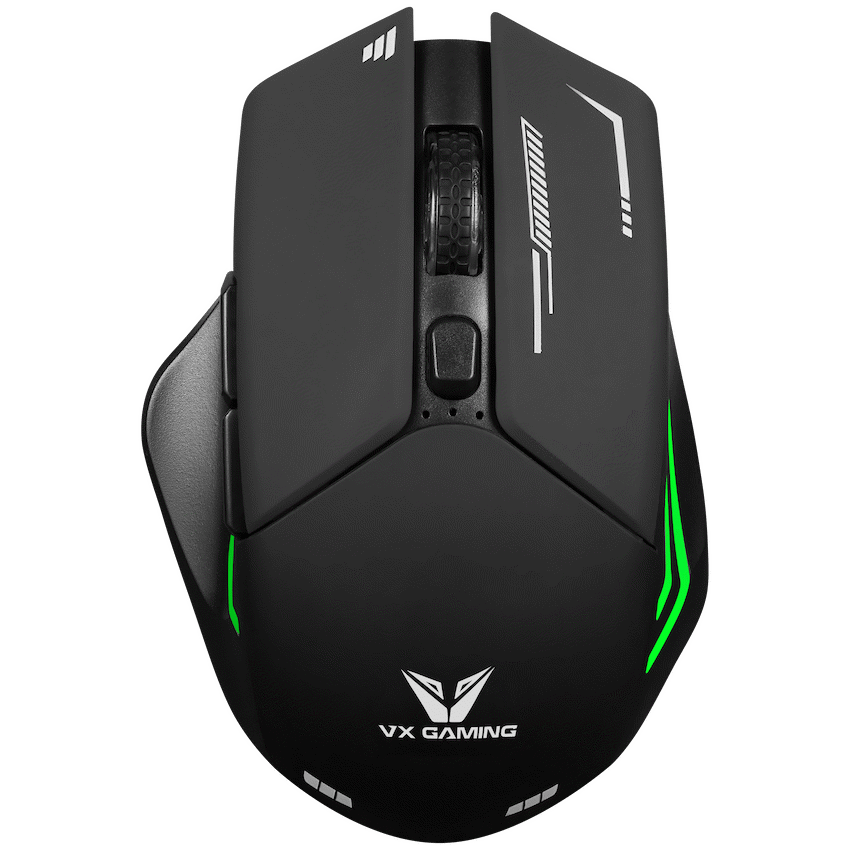
VX Gaming Kratos Series Wireless Rechargeable RGB Gaming Mouse
R346.96
Ships from ZAR Supplier
Buy and save
Buy and earn R1.99 Loyalty for your next purchase
Loyalty is a discount program that lets you buy products and earn points to redeem on your next purchase. Your Loyalty balance is updated when you pay online or in-store. The Loyalty amount shown on this page can be recalculated at the checkout.
Out of stock, available for pre-order
1
VX Gaming Kratos Series Wireless Rechargeable RGB Gaming Mouse
Product Details
Brand: VX Gaming
Dominate your game with the VX Gaming Kratos Series Wireless RGB Gaming Mouse (Model: VX‑207‑BK). Designed for serious gamers, this mouse gives you dual‑mode wireless connectivity — both Bluetooth and 2.4 GHz — so you can use it with your PC, laptop or mobile setup without fumbling wires or adapters. It sports vibrant RGB lighting, forward/back side buttons, adjustable DPI, and a rechargeable battery to keep you gaming without frequent disruptions. At ~116.7 × 81.4 × 40.1 mm, Kratos feels solid and comfortable in hand. With six buttons (including 2 side buttons), you’ll have quick access to extra functions. Whether you need fast swipes across the screen or fine‑tuned aim, Kratos has you covered with its DPI options. Recharge via USB when the power dips so you’re always ready. It’s a reliable pick for those who want performance, looks, and flexibility.
Display prices in:ZAR