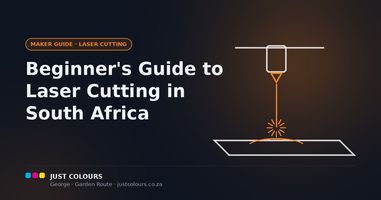
The laser type is the single most important spec on any machine. It determines the wavelength of light produced — and that wavelength determines which materials it can cut, engrave or mark. No amount of extra wattage makes up for the wrong laser type.
Diode lasers use a semiconductor chip producing blue-violet light at around 450nm. They are the most affordable and common consumer machines — the Creality Falcon range we stock are all diode lasers, as are xTool's D1 Pro and S1.
Best for: wood, plywood, MDF, leather, dark acrylic, cardboard, fabric, anodised aluminium and painted metals. Limitations: cannot cut clear or light-coloured acrylic (the beam passes straight through) and cannot engrave bare metal.
CO2 lasers use carbon dioxide gas, producing invisible deep-infrared light at 10,600nm. This wavelength is absorbed efficiently by organic and non-metallic materials, making CO2 the industry standard for serious cutting. CO2 cuts clear and all-colour acrylic cleanly, engraves glass and ceramic directly, and handles thicker materials much faster. The xTool P2S (55W) and P3 (80W) are CO2 machines.
Like diode, CO2 cannot engrave bare metal.
Fibre lasers produce light at 1,064nm — the wavelength metals actually absorb. A fibre laser genuinely engraves bare stainless steel, aluminium, brass, copper and titanium. This is the machine for jewellery, trophies and industrial marking.
Dual-beam machines combine two laser sources in one unit. The xTool F1 Ultra pairs a 20W diode with a 20W fibre laser, and the F2 Ultra pairs a 40W diode with a 60W MOPA fibre — covering wood, leather AND bare metal in a single machine.